One quiz builder.
Everything you need.
Build with AI in seconds or manually at your own pace. A voting engine that ranks products, deep platform integrations, pixel-perfect customisation, and analytics that show you revenue — not just clicks.
Free plan available · No credit card required
Voting Engine
Ranked results
From idea to full quiz
in seconds
Describe your store and AI drafts a complete quiz from your real catalog — questions, answers, vote assignments, filter and budget questions, and sections. Review it, refine it, then launch.
Describe your quiz
Tell the AI what kind of quiz you want to build — the goal, the product category, the type of shopper you're helping.
AI builds the structure
Questions, answers, vote assignments, filter and budget questions, and sections — a full draft, usually in under a minute.
Review and launch
Open the quiz in the builder, make any tweaks you want, then set it live. The AI gives you a starting point — you stay in control.
What the AI generates for you
Available on all plans. Free: 1 generation · Starter: 5/mo · Growth: 20/mo · Pro & Custom: unlimited.
Then keep going by chat: Ana edits the quiz in the builder for you. Everything AI can do →
Ranked results,
not branching trees.
Every answer assigns votes to products. Products accumulate scores across the whole quiz. The highest-scored products win — no rigid paths, no dead ends.
Shopper answers questions
Each answer assigns votes to products
Products accumulate scores
Top-scored products are recommended
Four ways to assign votes
Individual products
Assign custom vote weights to specific products. Fine-grained control for each answer.
By collection / category
All products in a collection receive the same vote. Works across Shopify and WooCommerce.
By tag
All products carrying a tag accumulate votes. Lets one answer target cross-collection products.
All products
Every product in the store gets the same vote. Used for "Not sure" or neutral answers.
Filter questions
Mark any question as a Filter. Products outside the filter scope are permanently eliminated from results — regardless of votes. Each filter progressively narrows the eligible pool, so a shopper who needs "Scalp care" products never sees "Growth" recommendations, no matter how many votes those products accumulated.
More control, on every plan
Budget questions
A price range per answer, matched against your synced prices — products outside it are filtered out.
Include & exclude
Pin a product to the top of the results for an answer, or remove it entirely. Exclude always wins.
Negative votes
Push products down when an answer makes them a poor fit. A score of zero or below never shows.
Skip & jump logic
Hide later questions that don’t apply, or jump straight to the right one. Forward only.
Multiple select
Set a minimum and maximum, plus an exclusive “None of the above” answer.
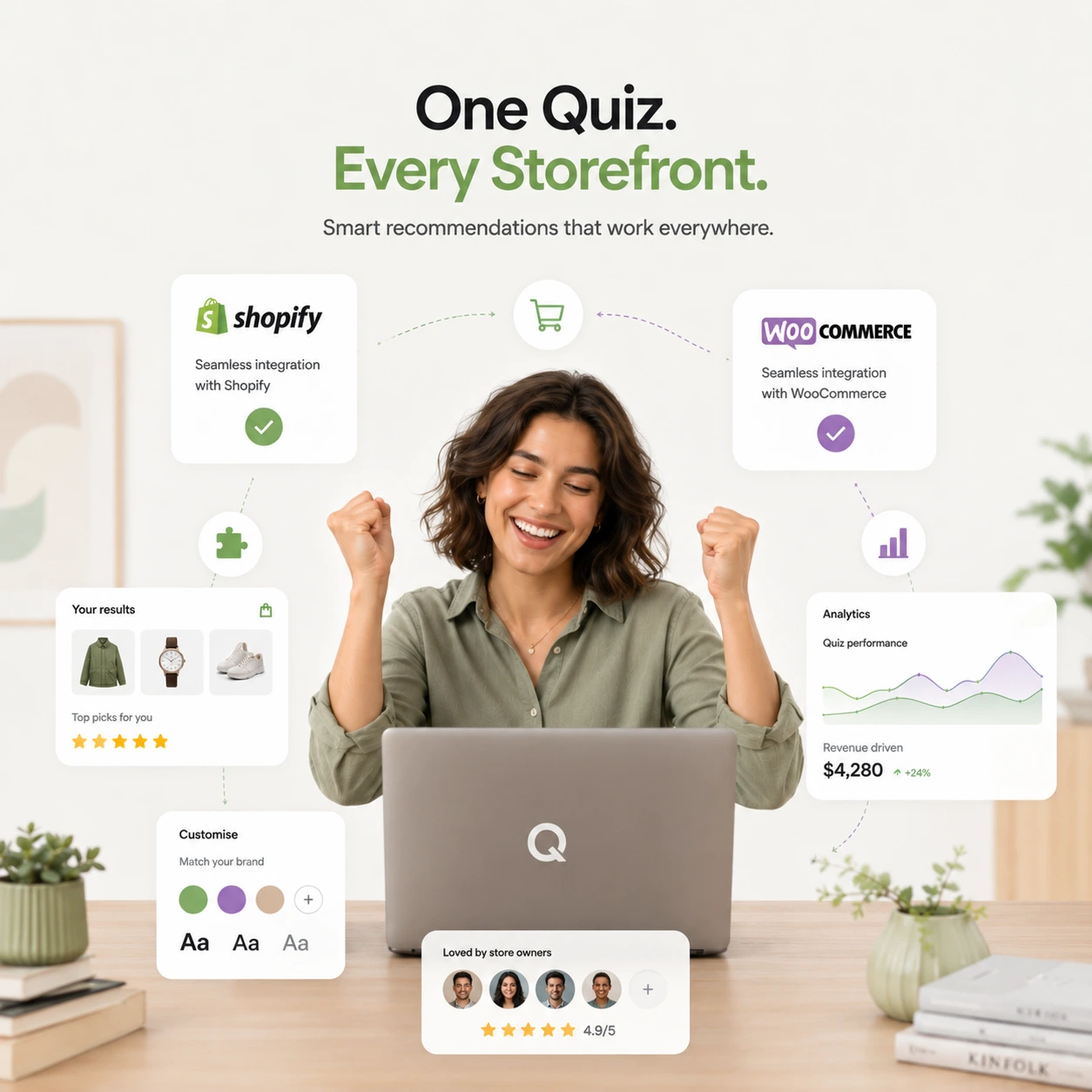
One quiz builder.
Any storefront.
Build your quiz once. Deploy it on Shopify, WooCommerce, or both — with native integrations for each platform's cart, products, and embed methods.


One store per account. Each ShopperQuiz account connects to one store — Shopify or WooCommerce. To run quizzes on multiple stores, install fresh on each and create a separate account.
Match your brand.
Pixel for pixel.
Colors, fonts, answer layouts, product cards, progress bar, buttons — everything configurable. A live preview updates instantly as you change settings.
Colors & Typography
Primary color, background, font family, font sizes, font weights — all configurable. Match your storefront exactly.
Answer Styles
Default list, checkmarks, icon-only, or image answers. Mix styles per question — images for one, icons for the next.
Product Cards
Result card layout, image border radius, price color, button text and style — pixel-perfect for your brand.
Progress Bar
Active color, inactive color, height, label style. Hide it entirely or make it the centerpiece.
Button & Layout
Continue button width (auto or full), alignment, border radius, font weight — and max quiz width.
Live Preview
Every change previews instantly in the Widget Styles panel. No guessing — see exactly how it looks.
Answer display styles
Four ways to show answers
Default
Clean text list, no icons
Checkmarks
Checkbox-style answers
Icons
SVG icon beside each answer
Option A
Option B
Images
Full image per answer
Results that
sell, not just suggest.
Social proof, the exact option, subscribe & save and a follow-up email — all on the results screen, with your store’s own cart and checkout.
Products with options
Shoppers pick a size or colour on the results page, and can add more than one option of the same product.
Know what converts.
Not just what clicks.
Track completion, see where shoppers drop off per question, and measure real revenue from quiz-attributed orders. Every plan starts with the Total Responses, Completion Rate and Cart Conversion cards.
Completion rate
68%
avg across quizzes
Revenue attributed
$4,200
this month
Newsletter sign-ups
312
opted in
Cart conversions
24%
of quiz completions
- Responses page — every session in detail
- Answers, carts & purchases per shopper
- Revenue Attributed card
- CSV export
- Response volume & conversion funnel
- Drop-off by question
- Answer distribution & heatmap
- Email capture & audience profiles
- Revenue Intelligence — revenue, AOV, orders
- Average order value trend
- Product conversion funnel
- Subscription analytics
Question-level drop-off
See exactly which question causes shoppers to abandon — click the bar to see who stopped there. Fix the question, improve completion rate, get more recommendations delivered — and more revenue attributed.
Figures above are example data.
Explore analytics & responsesFind the problems before your shoppers do
The Quiz check follows every route a shopper can take — filters, price ranges, exclusions, skip and jump — against the products you have in stock, and tells you what would lose shoppers: questions that can’t be answered, routes that end with no products, and setup that does nothing. It runs again after every change, and “Show me” takes you straight to the fix.
How the Quiz check worksNeeds fixing
1 to fix · 1 to look at
Ana builds your quiz with you
In the Quiz Builder, tell Ana what you want — she adds questions, assigns votes, sets filters and logic, and restyles the quiz, leaving every change for you to review and save. Everywhere else, she answers questions from the full documentation and your own account.
Meet AnaEverything you need.
Free to start.
AI quiz building, Ana building with you by chat, the voting engine, results that sell, 14 integrations and analytics — in one quiz builder. No dev required.